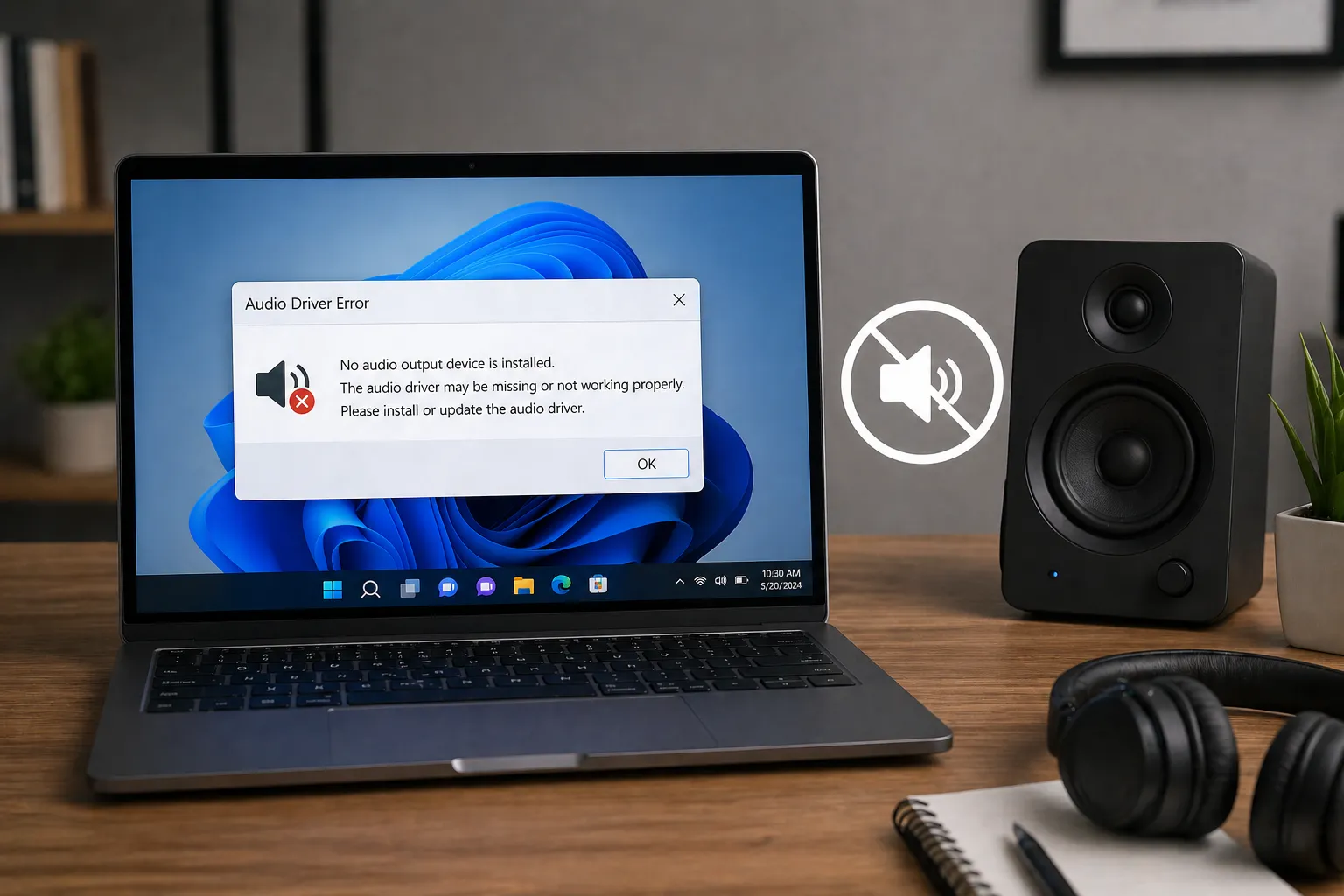
Audio drivers help the operating system understand how sound should move from apps to speakers, headphones, microphones, and other audio devices.
The role of an audio driver
An audio driver works as a communication layer between the operating system and sound hardware. It helps organize sound output, microphone input, volume behavior, format settings, and channel layout information.
Simple idea
App sound becomes digital audio data. The audio driver helps organize that data so the sound device can present it through speakers or headphones.
Sample rate and bit depth
Sample rate describes how often sound is measured each second in digital form. Bit depth relates to the amount of detail used to represent quiet and loud parts of a sound signal.
Audio Layout
2.1 Sound
2.1 usually means left and right speakers plus one bass-focused channel.
Audio Layout
7.1 Sound
7.1 uses more speaker positions to create a wider directional listening field.
Stereo and surround channel concepts
Stereo sound uses two main channels, usually left and right. Surround sound uses additional channels to help position audio around the listener, such as front, side, rear, center, and bass channels.
Concept Flow
App → Audio Driver → Sound Device
An app creates sound data, the driver organizes communication, and the sound device turns that data into audio output.
Spatial sound as a learning concept
Spatial sound describes audio that can feel positioned around the listener. System audio settings and driver communication help organize how this sound information is sent to headphones or speakers.
Why timing matters
Audio data moves through the system in small pieces. Timing, buffers, and channel mapping help explain how sound stays organized while moving from software to hardware.