Knowledge Library
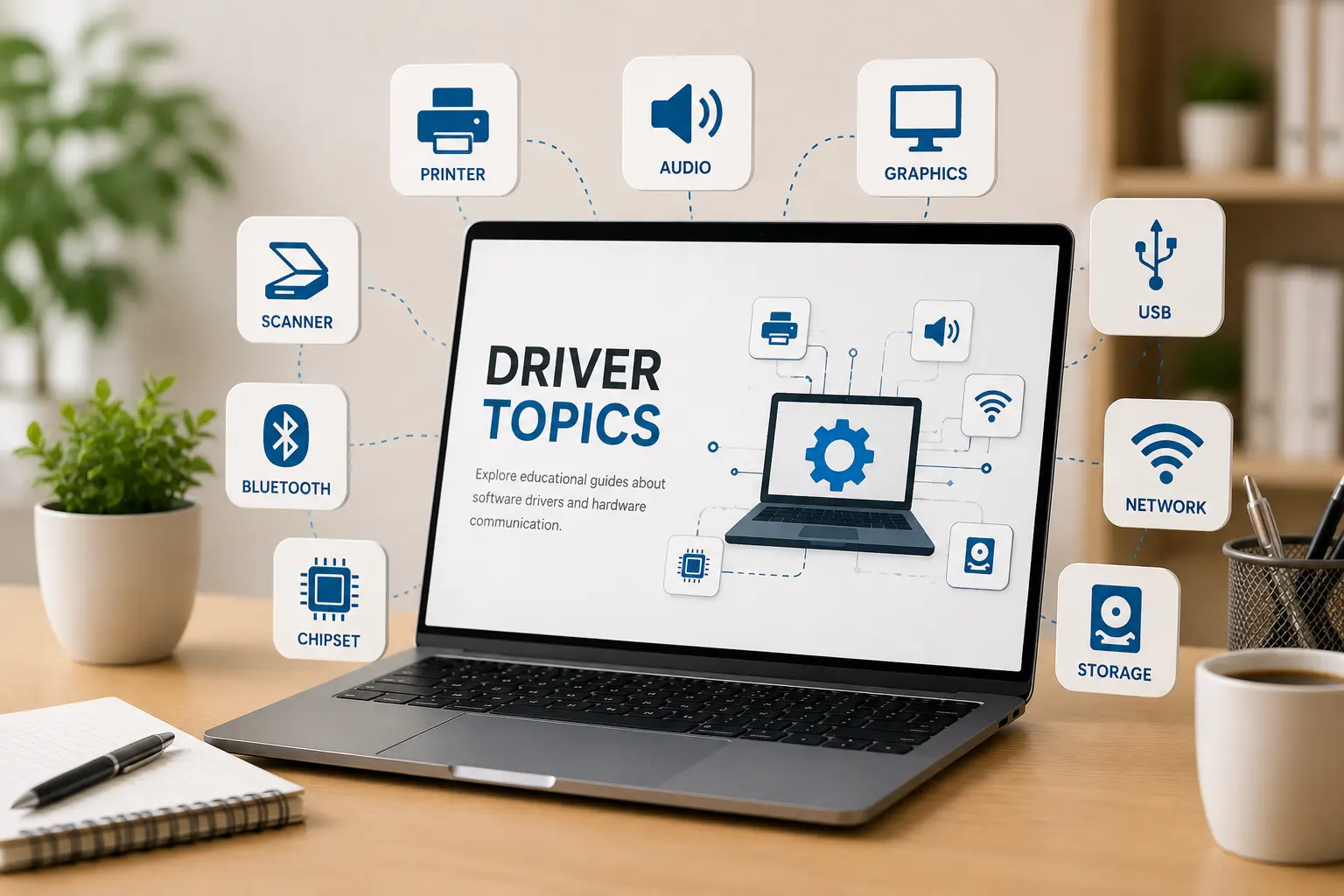
Driver Topics Made Simple.
Browse clear educational guides about software drivers and how they help hardware devices communicate with your computer system.
Simplified Learning
Learn drivers without confusing terms.
Drivers are small software components that help the operating system understand and communicate with hardware devices such as printers, speakers, scanners, keyboards, USB devices, and network adapters.
Why Driver Monitors?
Understanding driver basics can help users learn how hardware and software work together inside a computer system.
Our Topics
Software Driver Learning Topics
Explore simple educational guides about computer drivers, hardware communication, device behavior, and common driver-related learning areas.
Printer Drivers
Learn how printers receive print commands, layouts, and document output from a computer.
Audio Drivers
Understand how speakers, microphones, headphones, and sound output work through drivers.
Scanner Drivers
Learn how scanners capture documents and send image data to your computer system.
Graphics Drivers
Explore how display drivers manage visuals, screen clarity, rendering, and media playback.
Network Drivers
Understand how WiFi, Ethernet, and network adapters communicate with your computer.
Bluetooth Drivers
Learn how wireless pairing and nearby device communication are handled by drivers.
Chipset Drivers
Explore how chipset drivers connect the processor, motherboard, and internal hardware.
USB Drivers
Understand how USB ports recognize drives, phones, keyboards, and external devices.
Storage Drivers
Learn how SSDs, hard drives, and storage controllers support data transfer.
Webcam Drivers
Learn how built-in and external webcams send video input to your system.
Touchpad Drivers
Understand how touchpads translate finger movement, taps, and gestures.
Keyboard Drivers
Learn how keyboard input, shortcut keys, and typing behavior are handled.
Topic Preview
Explore common driver areas.
A quick overview of the main driver categories explained across this learning library.
Device Output
Printer, audio, scanner, webcam, and display-related learning topics.
Connectivity
WiFi, Ethernet, Bluetooth, USB, and connected device communication basics.
System Hardware
Chipset, storage, BIOS, UEFI, and motherboard-level driver concepts.
Input Devices
Keyboard, touchpad, mouse input, gestures, and basic control behavior.
What You Will Learn
Understand drivers step by step.
What software drivers are and why computers use them.
How drivers help hardware and operating systems communicate.
The role of different drivers such as printer, audio, graphics, USB, and network drivers.
Basic driver terms explained in simple, beginner-friendly language.
Learning Path
How to Start Learning
Follow a simple path to explore driver topics in a beginner-friendly way.
Pick a Topic
Choose a driver category such as printer, audio, graphics, network, USB, Bluetooth, chipset, or storage.
Read the Guide
Learn the meaning, purpose, and role of that driver in simple educational language.
Build Understanding
Understand how hardware devices and operating systems communicate through driver software.