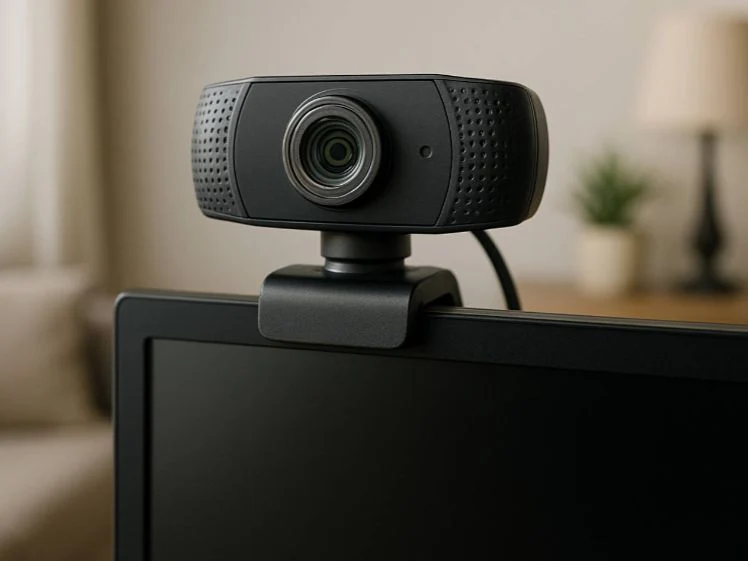
Learning Guide
Understanding webcam driver basics.
The purpose of webcam driver software
A webcam driver helps the operating system communicate with a camera device. It supports video input, image settings, device recognition, and communication with applications that display camera video.
How camera input becomes video
A camera sensor captures light and turns it into digital image data. The driver helps organize that data so the system can display moving video.
Webcam Concept
UVC
UVC is a common standard that helps USB webcams communicate with computers.
Webcam Concept
Video Encoding
Video encoding helps organize camera image data into a usable video stream.
UVC in simple words
UVC stands for USB Video Class. It is a common standard that helps many webcams communicate with computers in a predictable way.
Simple Flow
Camera Sensor → Webcam Driver → Video Application
The camera captures image data, the driver helps organize it, and an application displays the video stream.
Video formats and compression concepts
Webcam video can be prepared in different formats so it can move efficiently through the system and appear inside applications.
Privacy and camera activity concepts
Modern systems may include permission settings, camera activity indicators, and device controls that help users understand when a camera is being used.